Monday, October 29, 2018

Makerspaces in School


Image result for makerspaceMakerspaces are becoming more and more popular in school libraries across the nation. Makerspaces, as defined in the Makerspace Playbook (2013), are "gathering points where communities of new and experienced makers connect to work on real and personally meaningful projects, informed by helpful mentors and expertise, using new technologies and traditional tools." The tools in a makerspace can range from high-tech to low-tech. For example, a high tech tool might be a 3D printer, while a low-tech tool might be crochet needles and yarn. 


Tamiko Brown is a school librarian who writes about Makerspaces in her blog, Makerspace Library. In a post from November 2017 titled Creating A Mobile Makerspace Library Program, she writes about how school librarians can create makerspace kits for teachers to check out and use in their classrooms. 


Image result for makerspace kits


Colin Angevine and Josh Weisgrau (2015) wrote about the makerspace bandwagon in their post Situating Makerspaces in Schools on Hybrid Pedagogy. They argue that successful implementation of makerspaces should be based on "three values of student learning and empowerment: agency, authenticity, and audience" (2015). Tamiko Brown seems to agree with that idea. In her blog she writes about the importance of student voice and choice with makerspaces, stating that successful makerspace activities "strengthen their independent voice" (Brown, 2017). 
Image result for mobile makerspace elementary school


For school librarians who are already involved in the world of makerspaces, consider taking it a step further by creating makerspace check-out kits for your teachers. Brown provides several suggestions on gathering teacher input, promoting student agency, funding materials, scheduling check-outs, and more. 


Resources:

Brown, T. (2017, November 16). Creating a mobile classroom makerspace library program [Blog post]. Retrieved from http://makerspacelibrary.blogspot.com/2017/11/creating-mobile-classroom-makerspace.html

Angevine, C. & Weisgrau, J. (2015, September 24). Situating makerspaces in schools [Blog post]. Retrieved from http://hybridpedagogy.org/situating-makerspaces-in-schools/


Makerspace Team (2013). Makerspace Playbook [PDF document]. Retrieved from  https://makered.org/wp-content/uploads/2014/09/Makerspace-Playbook-Feb-2013.pdf

Tuesday, October 16, 2018

Cyberbullying


Image result for cyberbullyingBullying is defined as "unwanted, aggressive behavior among school aged children that involves a real or perceived power imbalance. The behavior is repeated, or has the potential to be repeated, over time" ("What is Bullying," 2018).  Many people have experienced bullying in their lives one way or the other. They may have been the victim, the bully, or the bystander. People also may have experienced cyberbullying, which is defined as "bullying that takes place over digital devices like cell phones, computers, and tablets....cylberbulling includes sending, posting, or sharing negative, harmful, false, or mean content about someone else," ("What is Cyberbullying," 2018). 

Educators and other school professionals have a responsibility to keep students safe, which includes helping combat bullying and cyberbullying. Because cyberbullying can occur outside of school, adults may not be aware of the issue. Adults may also lack awareness of cyrberbullying because "many targets choose to suffer in silence rather than report what they are experiencing," (Faucher, Cassidy, Jackson, 2015).

Image result for digital citizenship
Adults who work with children should engage in digital citizenship conversations and activities with students. Digital citizenship is defined as "the norms of appropriate, responsible technology use.... [and] is more than just a teaching tool; it is a way to prepare students/technology users for a society full of technology," (Ribble, 2017).


There are many resources available for educators to assist with digital citizenship education. We must remember, though, that it is not a one-size-fits-all curriculum. Teaching digital citizenship is a deeper concept and it "means embracing the reality that we’re all interconnected through the Internet, and that we therefore need to understand the responsibilities and risks that come with life online," (Hicks, 2015).

Here are a few resources to help get you started with teaching digital citizenship and addressing the topic of cyberbullying:

Image result for cyberbullying research center


Image result for stopbullying.gov


Image result for digital citizenship.net


Image result for common sense education


Resources: 

Faucher, C, Cassidy, W., & Jackson, M. (2015). From the sandbox to the inbox: Comparing the acts, impacts, and solutions of bullying in K-12, higher education, and the workplace. Journal of Education and Training Studies, 3(6), 111-125.

Hicks, K. (2015, July 9). Teacher's guide to digital citizenship [Blog post]. Retrieved from http://www.edudemic.com/teachers-guide-digital-citizenship/

Ribble, M. (2017). Digital citizenship today. Retrieved from http://www.digitalcitizenship.net/home.html

What is Cyberbullying. (2018, July 26). Retrieved from https://www.stopbullying.gov/cyberbullying/what-is-it/index.html

What is Bullying. (2018, July 26). Retrieved from https://www.stopbullying.gov/what-is-bullying/index.html


Wednesday, October 10, 2018

Kahoot!

Image result for test clipart 


Can quizzes be fun?


Actually, yes! Kahoot is a fun way to engage students with quizzes, trivia, and surveys. With Kahoot, answering questions feels more like playing a game than taking a quiz! 


Image result for kahootTo get Kahoot, go to www.kahoot.com and create your free account. You can browse from Kahoot quizzes, polls, surveys, and trivia already created, or create your own questions that meet your specific instructional purposes. Students can use their own devices and go to kahoot.it and enter the specific Kahoot game pin and their name. 


Once the Kahoot game has started, the questions will display on the teacher's screen, preferably something large enough for all students to view such as a Smart Board, Promethean Board, etc. Multiple answers are displayed along with a designated color and shape for each answer. Students respond on their own devices by selecting the color and shape that correlate with their answer choice. 


Image result for kahoot screenshotWhen all answers have been submitted, or time runs out, the results will display on the teacher's screen, giving students prompt feedback on their responses. Students enjoy the fast-paced, friendly-competition atmosphere that Kahoot creates. Teachers enjoy how engaged and enthusiastic students are about testing their knowledge. 


Check out the resources below for more tips, tricks, and ideas 
on how to incorporate Kahoot in your classroom!


 Kahoot 4 Ways To Use In The Class


Introducing the Kahoot! game pin


Resources:

Kesler, C. (2015, October 1). 4 ways to use Kahoot in the classroom. Retrieved from https://www.keslerscience.com/4-ways-to-use-kahoot-in-the-classroom/

Mault, D. (2016, May 11). Using Kahoot in the classroom [Youtube video]. Retrieved from https://www.youtube.com/watch?v=75Pf9stZ1No

Mueller, M. (2017, April 10). 8 ways to use Kahoot! Beyond the basics. Retrieved from https://kahoot.com/blog/2017/04/10/8-ways-use-kahoot-beyond-basics/

What's new at Kahoot! (2018). Retrieved from https://kahoot.com/welcomeback/

Saturday, October 6, 2018

The Described and Captioned Media Program

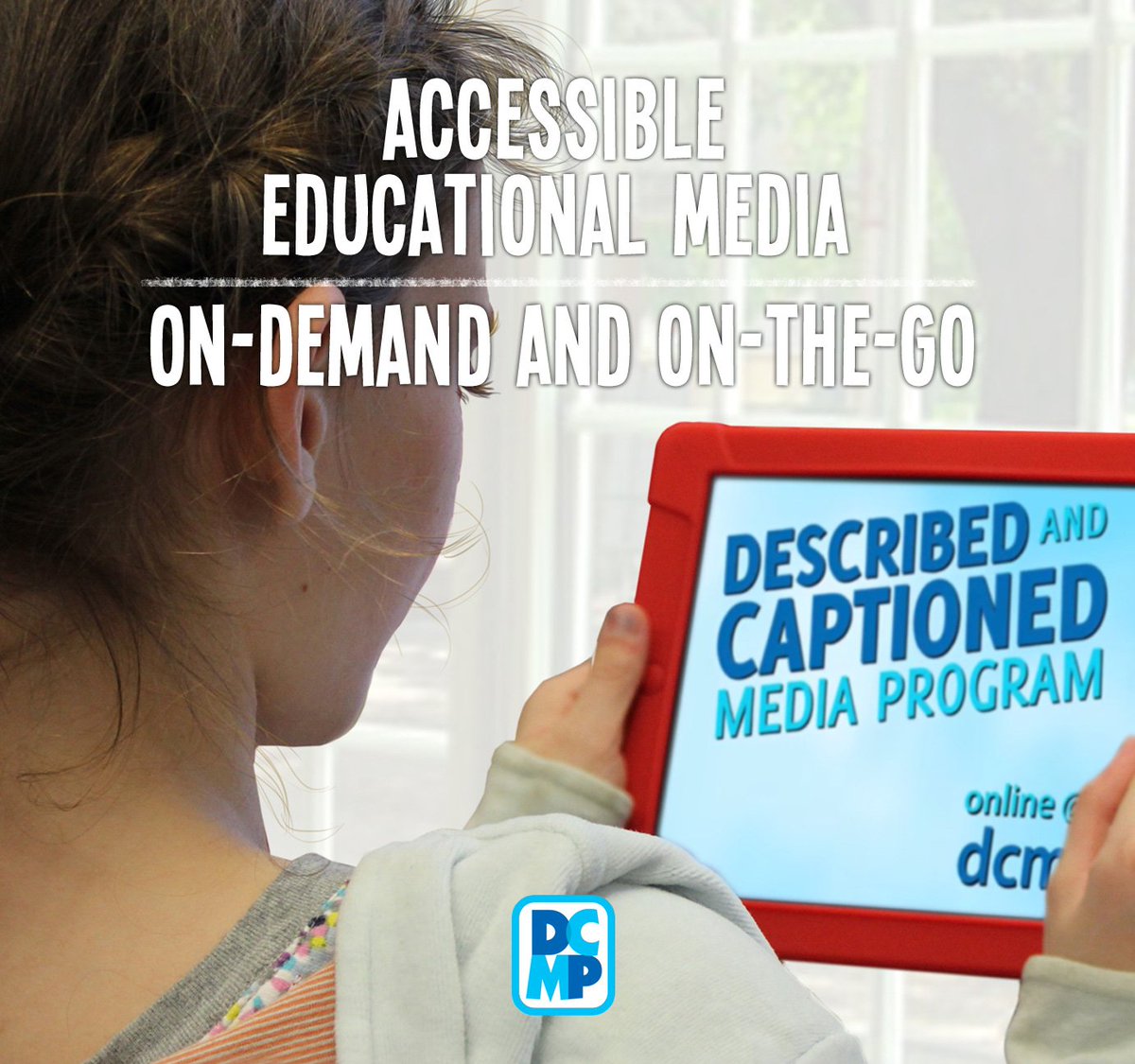
 School library media specialists serve all students within the school building. This includes students with special needs. There are many adaptive and assistive technology resources that help educators meet the needs of their students. One amazing resource is the Described and Captioned Media Program


Image result for described and captioned media program


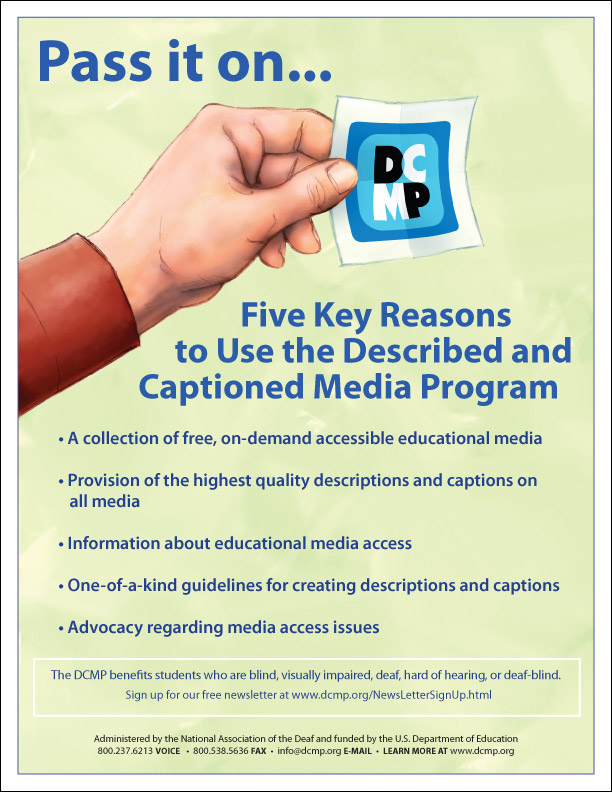
The Described and Captioned Media Program provides educational media designed for students with sensory disabilities. They offer over 5,000 educational videos in the content areas of language arts, mathematics, science, technology, geography, and more, as well as a library of children's literature video presentations. Videos and resources are also offered to families and professionals as learning modules on how to best meet the needs of their students. 

Familes, teachers, and other professionals who serve students with disabilities qualify for free access to all of the DCMP content. There are also some free resources for those whose work may not directly benefit students. The DCMP is funded by the Department of Education and administered by the National Association of the Deaf. 


Image result for described and captioned media program


I am currently awaiting approval for access to DCMP's full selection of content. In the meantime I browsed the free preview section and found high-quality educational videos such as Night of the Context Clues, Climates of the World, and The Math Curse. All students can benefit from DCMP's videos, and those who truly need it are engaged in content designed to meet their needs. 


Image result for described and captioned media program


The Described and Captioned Media Program. (2018). Retrieved from https://dcmp.org/